
Secret Santa wishlist: simple, fair, and organized
Everyone adds wishes, shares one link, and reserves gifts—so you avoid duplicates and confusion.



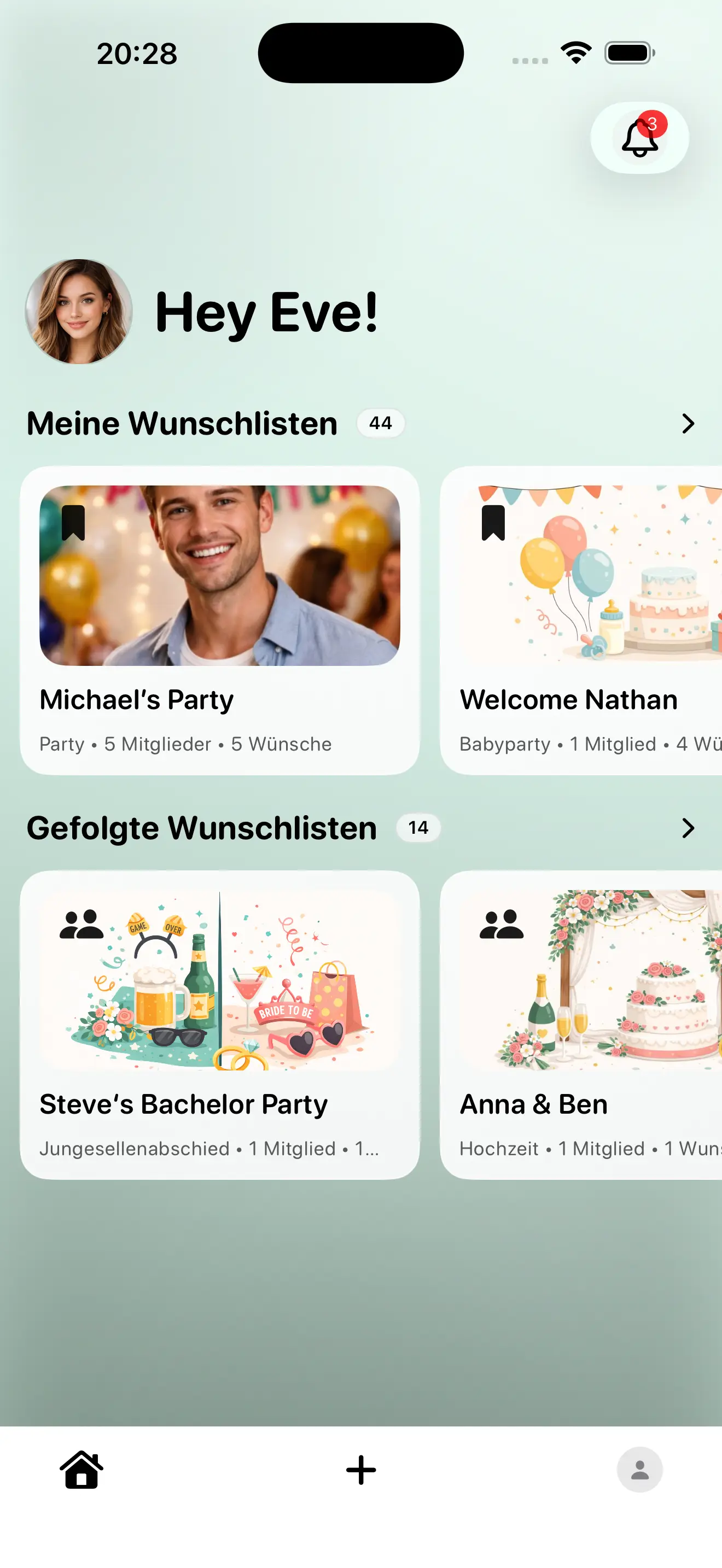
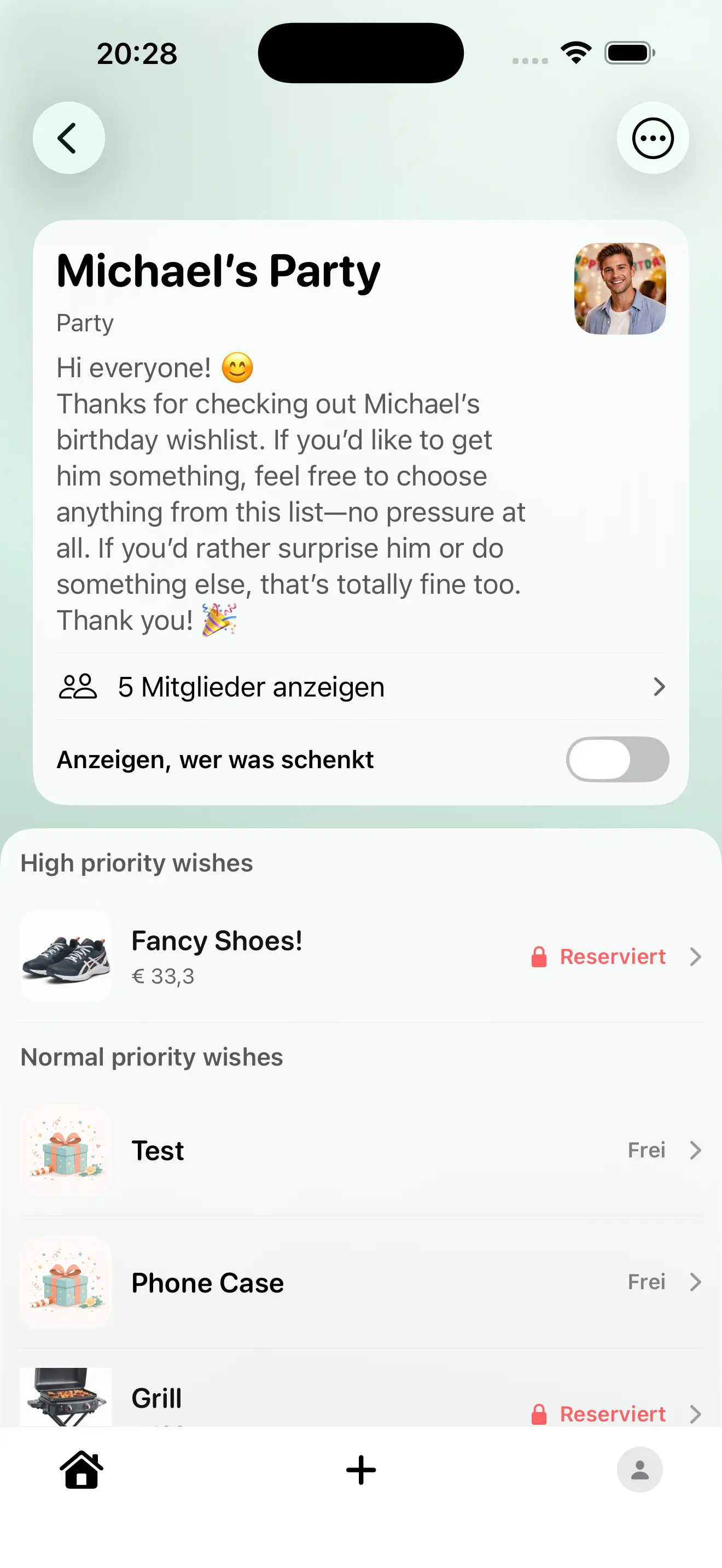
Plan Gifts Without Duplicates
A shared wishlist keeps everyone aligned from first idea to final purchase.
When family, friends, or colleagues choose gifts together, one clear list removes guesswork. Everyone sees what is still open, what is already taken, and what details matter before buying.
The biggest relief usually comes from small details: size, color, budget, preferred shop, and acceptable alternatives. With that context in place, decisions are faster and far less stressful.
- Sort wishes by priority so guests know what matters most.
- Add practical notes to each item before sharing the link.
- Ask people to reserve early to prevent duplicate purchases.
- Do a short final check before the occasion and remove outdated wishes.
How it works
Create a wishlist, share it with the group, and let participants reserve gifts discreetly.
- Set a budget and date
- Add 5–10 wishes each
- Reserve before you buy
Secret Santa wishlist online
A Secret Santa wishlist helps participants pick the right gift without guessing.
Reservations ensure no one buys the same item twice.
Wantivo works in the browser and in the iOS app.
- Shareable link for the whole group
- Wishes with links and notes
- Reservations prevent duplicates
- Works in the browser (no app required)
Before you share the list
A few clear decisions up front save a lot of coordination later. This works best when quick access and clear status matter most.
- Set priorities first: what is essential now, and what stays optional.
- Add only details that truly help buying decisions, such as size, color, budget range, or preferred variant.
- Decide who should receive the link first so core people can align early.
- Do one short review before sharing, then keep updates in one place so everyone sees the same version.
If any practical details are still unclear, the FAQ below answers the most common edge cases.
FAQ
How do I prevent duplicate Secret Santa gifts?
How do I share the Secret Santa list?
How many wishes should I add?
What should go into the notes?
Is this suitable for large groups too?
Do everyone have to install an app?
What’s the difference to “Secret Santa”?
Can I communicate budget and rules?
What if someone changes their mind?
Where can I find more occasions?
Start your Secret Santa list
Create the list, share the link, and keep gifting stress‑free.
Where to go next
Pick the page that fits your occasion or planning style best.
Once the basics are set, most people continue on a page focused on a specific event.
That way, you can keep momentum and plan the next steps without starting from scratch.